On this page
How to copy invisible text in 4 steps
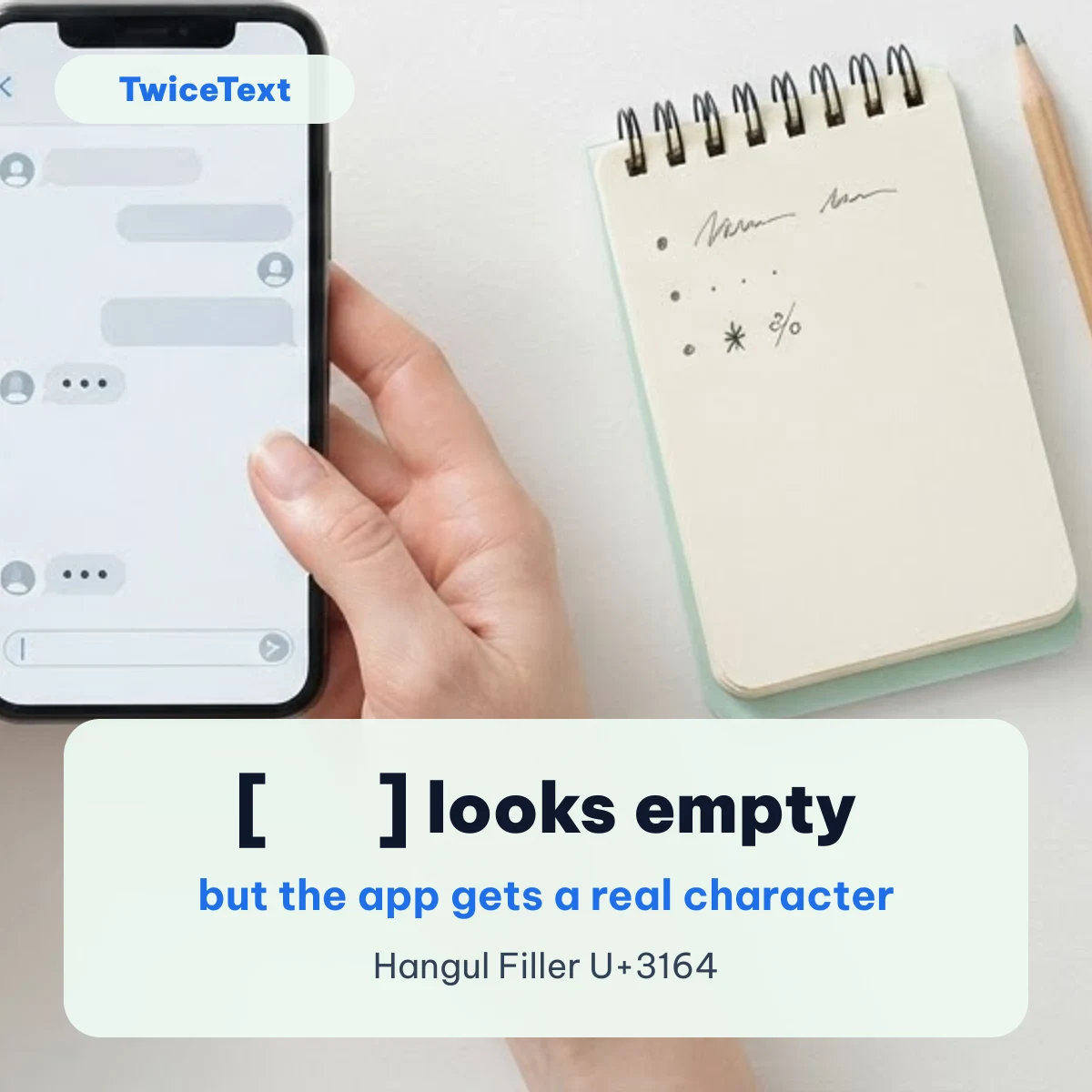
- Pick a blank character in the tool above. Hangul Filler (U+3164) is selected by default.
- Set how many you need: 1 for an empty message or name, 5–10 for a blank line or a gap in a bio.
- Tap Copy. The output box shows a count instead of the text, because the text itself is empty to look at.
- Open your app, touch and hold the message or name field, tap Paste, then send or save.
If the app still says the field is empty, go back and switch to Braille Blank (U+2800). The test table below explains why that one survives where others are removed.
Blank characters to copy and paste
Each button copies one character exactly as named; the ×5 buttons copy five in a row. Names and code points come from the Unicode Character Database.
Blank text recipes
Most uses need only one of these settings in the tool above. Pick the character, type the number, tap Copy.
| You want | Character | How many |
|---|---|---|
| A message that looks empty | Hangul Filler U+3164 | 1 |
| Same, if Send stays grey | Braille Blank U+2800 | 1 |
| A blank name or nickname | Hangul Filler U+3164 | 3 |
| An empty line inside a message | Braille Blank U+2800 | 1 on its own line |
| A word in the middle of a line | Hangul Filler U+3164 | 5 before and 5 after the word |
| Something that takes no space at all | Zero Width Space U+200B | 1 |
Why some blank text disappears: our test
Apps usually “clean” what you type before sending: they trim spaces from the start and end, and refuse a message that is empty after trimming. A blank character only works if that cleaning does not see it as a space. On October 10, 2026 we ran each character through the two most common cleaning functions, JavaScript trim() (Node.js 22, the same V8 engine as Chrome) and Python str.strip() (Python 3, Unicode 13 data), and looked up two Unicode properties in the official Unicode 17 data files.
| Character | JavaScript trim() | Python strip() | Unicode White_Space | Default ignorable |
|---|---|---|---|---|
| U+3164 Hangul Filler | Kept | Kept | No | Yes |
| U+2800 Braille Pattern Blank | Kept | Kept | No | No |
| U+115F Hangul Choseong Filler | Kept | Kept | No | Yes |
| U+1160 Hangul Jungseong Filler | Kept | Kept | No | Yes |
| U+FFA0 Halfwidth Hangul Filler | Kept | Kept | No | Yes |
| U+200B Zero Width Space | Kept | Kept | No | Yes |
| U+2063 Invisible Separator | Kept | Kept | No | Yes |
| U+00A0 No-Break Space | Removed | Removed | Yes | No |
| U+3000 Ideographic Space | Removed | Removed | Yes | No |
| U+2007 Figure Space | Removed | Removed | Yes | No |
| U+200E Left-to-Right Mark | Kept | Kept | No | Yes |
| U+FEFF Zero Width No-Break Space | Removed | Kept | Yes | Yes |
What this means in practice:
- No-Break Space and Ideographic Space are removed by both functions, because Unicode marks them as white space. That is why pasting them alone often leaves the Send button grey.
- Hangul Filler, Braille Blank and Zero Width Space are kept, so a message made only of them is not empty to the app.
- Braille Blank (U+2800) is the only one that is neither white space nor default ignorable. Default ignorable characters may be hidden or stripped by apps that follow Unicode’s advice, so U+2800 is the safest backup.
- Zero Width Space has no width at all; it can make a message that looks like nothing, but some apps drop it because it is default ignorable.
This is a test of the rules apps are built on, not of every app. We have not yet tested each character inside WhatsApp, Instagram, iMessage or Discord on a real phone, so we do not promise a result for a given app.
Invisible text on iPhone
On iPhone, copy the blank character from this page in Safari, open Messages or any other app, touch and hold the text field and tap Paste. The iPhone keyboard has no key for these characters, so copy and paste is the only way. If you were looking for messages that stay hidden until the reader swipes them, that is Apple’s Invisible Ink bubble effect, a different feature explained in our guide to invisible ink text on iPhone.
Blank text for WhatsApp
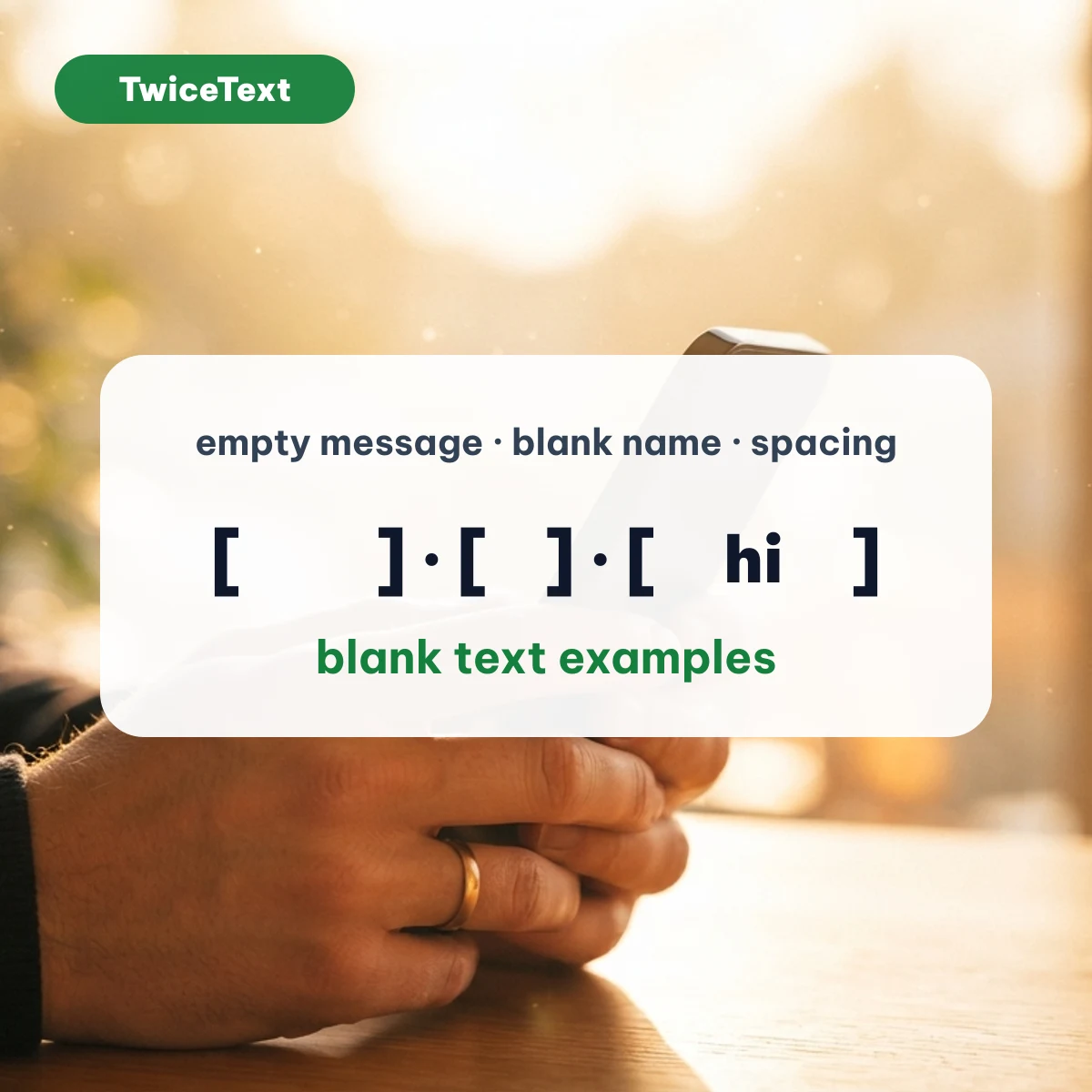
WhatsApp does not offer an empty message or an empty name on its own; people paste a blank character instead. Use 1 Hangul Filler for a message that looks empty, or switch to Braille Blank if the Send button stays grey. For a blank-looking line inside a longer message, put 3–5 blank characters on their own line. WhatsApp’s own text formatting, such as *bold* and _italic_, is a separate thing; our WhatsApp text formatting tool adds those markers for you.
Do blank characters count toward a limit?
Yes. A blank character is still a character, so it uses up space in names, bios and posts that have a length limit. Paste your text into our character counter — count characters, words & spaces to see how many characters it really contains, including the ones you cannot see.
What people use invisible text for
- Sending a message that looks empty, as a joke or a quiet “ping”.
- A name or nickname that shows as blank, where the app allows it.
- Empty lines and extra spacing in a bio or caption, where apps collapse normal spaces.
- Placing a word in the middle of a line by padding it with blanks.
Please do not use blank names to pretend to be someone else or to hide from moderators; most apps’ rules forbid it.
Invisible text FAQ
What is invisible text?
Invisible text is made of Unicode characters that take up space but show nothing, such as Hangul Filler (U+3164) or Braille Pattern Blank (U+2800). Apps treat them as real characters, so you can send a message or save a name that looks empty.
How do I copy and paste invisible text?
Choose a blank character and an amount in the tool at the top of this page, tap Copy, then touch and hold the text field in your app and tap Paste.
Why does my app say the message is empty?
The character you pasted is probably treated as a space and trimmed, as No-Break Space and Ideographic Space are in our test. Switch to Hangul Filler or Braille Blank, which are not trimmed.
Is invisible text safe to use?
Yes. It is plain text with no code inside. Just remember it still counts toward length limits, and some apps may remove certain blank characters.
Need to repeat a word or a whole message instead? The TwiceText text repeater does that in one tap. Last checked October 10, 2026 by the TwiceText Editorial Team.