On this page
- The short answer
- Blank characters for messages, ready to copy
- How to send a blank message on WhatsApp
- How to send a blank text on iPhone (iMessage and SMS)
- How to send a blank SMS on Android
- How to send a blank message on Instagram
- What does not work, and why
- Invisible text vs a blank message
- Blank message FAQ
The short answer
No messaging app has a “send blank” button, and a message made only of spaces is usually blocked. The trick is to send a character that looks empty but is not a space. Copy one from the tool above (Hangul Filler, U+3164, is set by default), paste it into the message box, and tap Send.
Blank characters for messages, ready to copy
Each card copies exactly what its label says. Use ×1 for an empty message; use more when an app asks for a minimum length or when you want a blank line.
How to send a blank message on WhatsApp
- Copy a blank character from the tool above.
- Open the WhatsApp chat you want to send it to.
- Touch and hold the message box until the Paste option appears, then tap Paste.
- The box looks empty, but the Send arrow appears. Tap it.
- If the microphone icon stays instead of the Send arrow, WhatsApp did not see a character: copy Braille Blank (U+2800) and try again.
How to send a blank text on iPhone (iMessage and SMS)
- In Safari, copy a blank character from the tool on this page.
- Open Messages and go to the conversation.
- Touch and hold the text field, then tap Paste.
- Tap the blue Send arrow. If it stays grey, switch to Braille Blank (U+2800).
How to send a blank SMS on Android
- Copy a blank character from the tool above in Chrome.
- Open your messaging app, such as Google Messages or Samsung Messages, and open the conversation.
- Touch and hold the message box, tap Paste, then tap Send.
- If the app will not send, try Braille Blank (U+2800), which is not treated as a space.
How to send a blank message on Instagram
- Copy a blank character from the tool above.
- Open Instagram, tap the messages icon and open the chat.
- Touch and hold the “Message…” box, tap Paste, then tap Send.
- To leave a blank comment, paste the same character into the comment box instead.
We wrote these steps from the standard copy-and-paste menus of each app. We have not yet tested blank messages inside each app version on a real phone, so if a step looks different on your device, the idea is the same: paste, then send.
What does not work, and why
| What people try | What happens | Why |
|---|---|---|
| Typing only spaces | Send stays disabled or the message is not sent | Apps trim spaces from the start and end; nothing is left |
| Pasting No-Break Space (U+00A0) | Often the same as spaces | Unicode marks it as white space, and trim functions remove it |
| Pressing Enter on an empty box | Nothing is sent | A line break is also white space |
| Hangul Filler (U+3164) or Braille Blank (U+2800) | The message is accepted by apps that only trim spaces | These are letters or symbols to Unicode, not spaces |
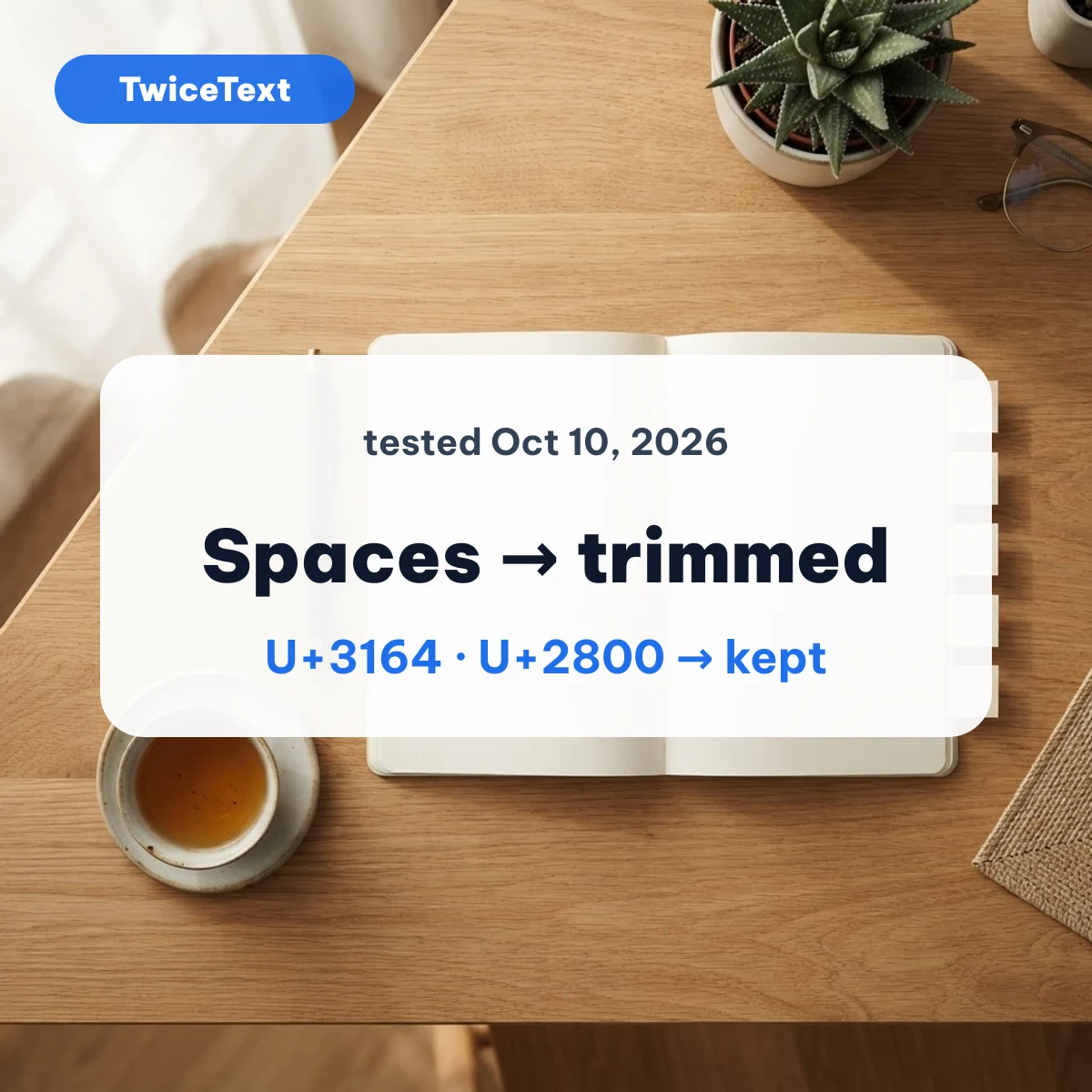
The “why” column comes from our own test on October 10, 2026: we ran each blank character through JavaScript trim() and Python strip() and checked the Unicode White_Space property. U+00A0 and U+3000 were removed; U+3164, U+2800 and U+200B were kept. The full table is on our invisible text page.
Invisible text vs a blank message
A blank message is one message whose text is only invisible characters. Invisible text is the wider idea: the same characters used in names, bios and gaps between lines. If you want a blurred message that the other person must swipe to read, that is Apple’s Invisible Ink effect, explained in our guide to invisible ink text on iPhone.
Blank message FAQ
How do I type a blank message?
You cannot type it with the keyboard. Copy a blank character such as Hangul Filler (U+3164) from the tool on this page, paste it into the message box and tap Send.
How do you send a blank message on an iPhone?
Copy a blank character in Safari, open Messages, touch and hold the text field, tap Paste and tap Send. If the Send arrow stays grey, use Braille Blank (U+2800) instead.
How to send a blank SMS on Android?
Copy a blank character, open Google Messages or your phone’s messaging app, paste it into the message box and send. Plain spaces will not work because they are trimmed.
How do I copy and paste a blank name?
Copy 3 Hangul Filler characters (U+3164) from the tool, then paste them into the name field of the app. Some apps do not allow blank names and will refuse to save it.
Want to send the same message many times instead? The TwiceText text repeater does that in one tap. Last checked October 10, 2026 by the TwiceText Editorial Team. TwiceText is an independent site and is not affiliated with WhatsApp, Meta, Apple, Google or Instagram.