On this page
How to remove duplicate lines online
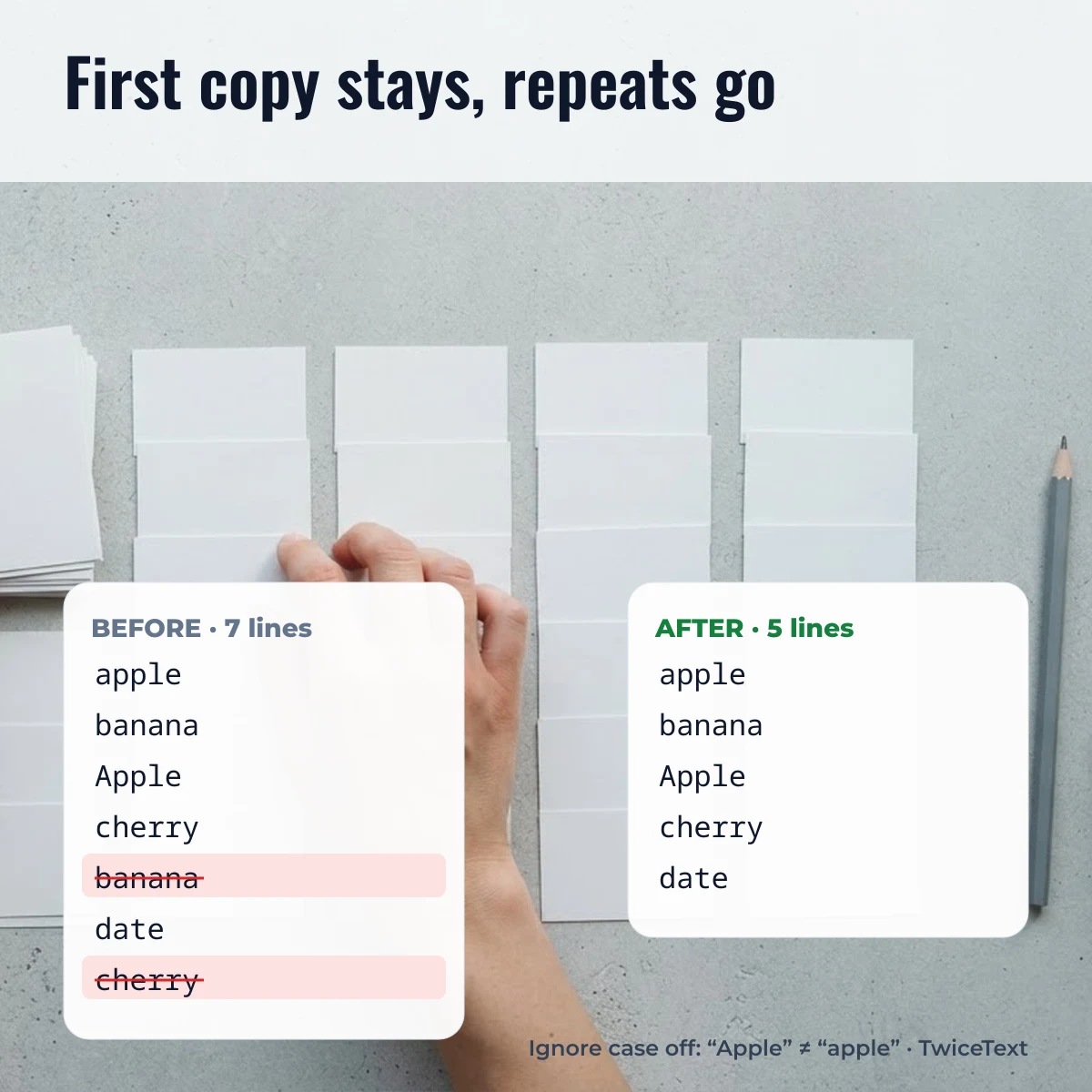
To remove duplicate lines, paste your list into the box at the top of this page; the unique lines appear instantly in the output, ready to copy. The tool keeps the first copy of each line, deletes later repeats and leaves the remaining lines in their original order.
- Paste your text, one item per line. A column copied from Excel or Google Sheets pastes as one cell per line.
- Choose the options you need: Ignore case, Trim spaces, Remove empty lines or Sort A–Z.
- Read the count under the output: how many duplicate lines were removed and how many unique lines are left.
- Tap Copy and paste the clean list where you need it.
Everything runs in your browser, so the list you paste is not sent to our server. That makes it safe for contact lists, email addresses or order numbers.
What each option does
The four options decide which lines count as “the same”. By default the tool trims spaces and removes empty lines, but treats upper and lower case as different.
| Option | What it does | Example |
|---|---|---|
| Ignore case | “Apple” and “apple” count as one line; the first spelling is kept | Apple, apple → Apple |
| Trim spaces | Removes spaces at the start and end of each line before comparing | “ red ”, “red” → red |
| Remove empty lines | Drops blank lines and lines with only spaces | 3 lines with 1 blank → 2 lines |
| Sort A–Z | Sorts the unique lines alphabetically after removing duplicates | pear, apple → apple, pear |
Two lines that look identical can still differ: one may contain a no-break space or an invisible character pasted from a web page. If a repeat survives, delete it by hand and retype the line, or turn on Trim spaces.
How to remove duplicate lines in Excel
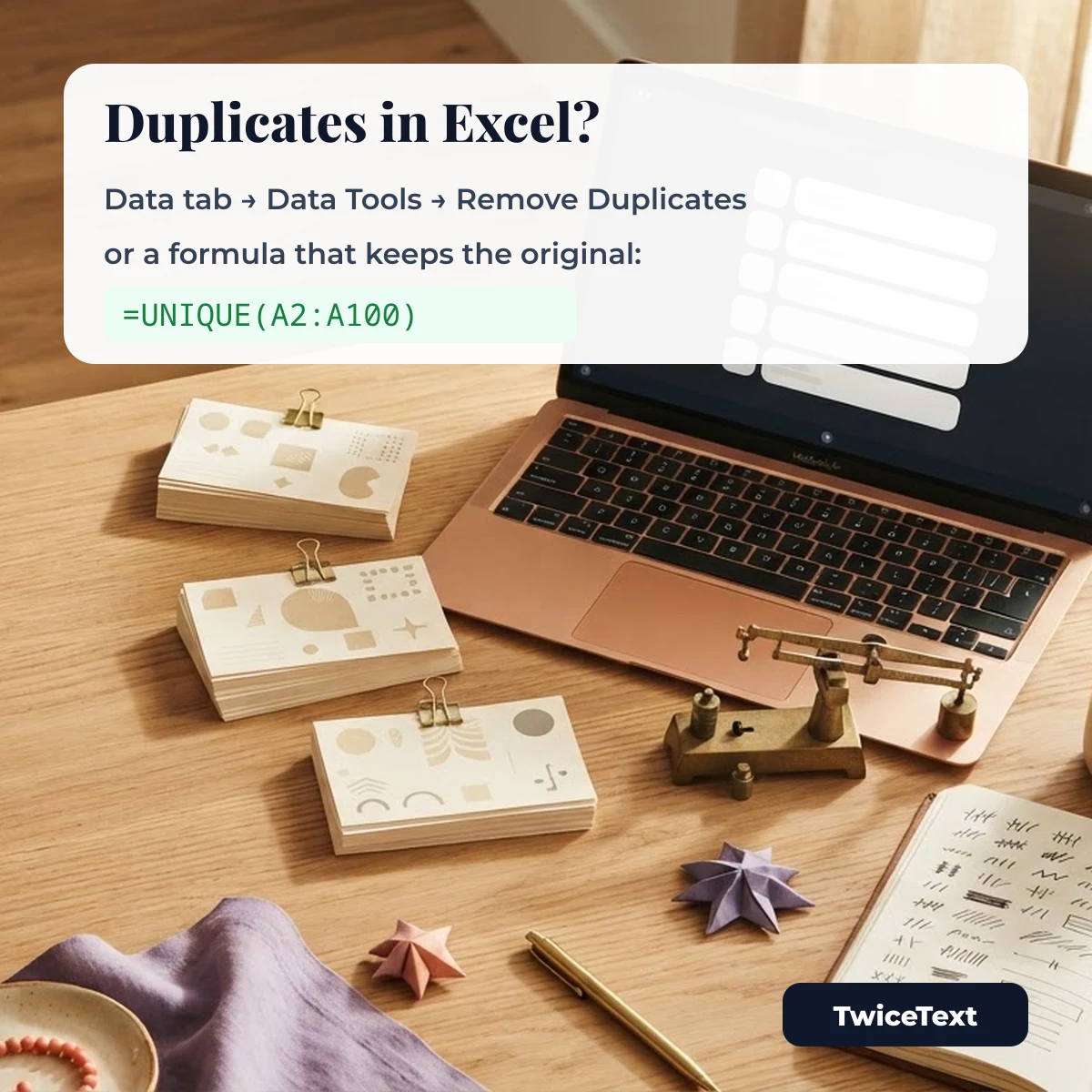
In Microsoft Excel, select your data and choose Data › Data Tools › Remove Duplicates. According to Microsoft Support (checked October 1, 2026), Excel keeps the first occurrence of each value and permanently deletes the other identical values, so copy the original range to another sheet first.
- Select the range, or click a cell inside your table.
- On the Data tab, in the Data Tools group, select Remove Duplicates.
- Tick the columns to compare and confirm whether your data has headers.
- Select OK; Excel tells you how many duplicates were removed.
If you only want to hide repeats, use Data › Sort & Filter › Advanced and tick Unique records only. Microsoft notes that filtering hides duplicates temporarily, while Remove Duplicates deletes them.
Remove duplicates with the UNIQUE function
The UNIQUE function returns the unique values of a range without changing the original data: =UNIQUE(array,[by_col],[exactly_once]). For a list in A2:A100, type =UNIQUE(A2:A100) in an empty cell. Setting exactly_once to TRUE returns only the values that appear once. Microsoft lists UNIQUE in Excel for Microsoft 365, Excel 2024 and Excel 2021, including Excel for Mac, iPad, iPhone and Android; older versions such as Excel 2016 don’t have it.
When this tool is quicker than Excel
Use the tool when your list is plain text rather than a table: names copied from a chat, tags from a document, or email addresses from several messages. Paste, copy and you are done, without opening a workbook. For tables with several columns, Excel’s Remove Duplicates is the better choice because it compares whole rows.
Remove duplicates in Google Sheets
In Google Sheets, select the range and choose Data › Data cleanup › Remove duplicates, then pick the columns and whether the data has a header row. The Google Docs Editors Help article “Split text, remove duplicates, or trim whitespace” (checked October 1, 2026) says cells with identical values but different letter case, formatting or formulas are treated as duplicates. To get the same result here, turn on Ignore case.
Remove duplicate lines on the command line
On Linux and macOS, sort -u list.txt removes duplicate lines but also sorts them. To keep the original order, use awk '!seen[$0]++' list.txt, which prints each line only the first time it appears. The plain uniq command removes only repeats that sit next to each other, which is why it is usually combined with sort.
Sample lists to try
Tap a list to copy it, paste it into the tool above and switch the options on and off to see what changes.
Need the opposite, the same line many times? The TwiceText text repeater copies a line up to 10,000 times with the separator you choose.
Remove duplicate lines FAQ
Does the tool keep the first or the last duplicate?
It keeps the first time a line appears and removes the later copies, the same rule Microsoft describes for Excel’s Remove Duplicates.
Is the duplicate check case-sensitive?
By default, yes: “Apple” and “apple” are different lines. Turn on Ignore case to treat them as the same.
Do lines with extra spaces count as duplicates?
With Trim spaces on (the default), spaces at the start and end of a line are removed before comparing, so “ red ” and “red” count as the same line.
Is my list uploaded anywhere?
No. The duplicate remover runs in your browser and the text you paste is not sent to our server.