On this page
Copy check mark symbols
The most used check mark symbol is ✓ (U+2713 CHECK MARK); its bold twin is ✔ (U+2714) and the green emoji is ✅ (U+2705). Below are 70 tick, checkbox, cross and approval symbols. Tap one to copy it; the small line under each symbol is its Unicode code point.
Check marks and ticks
Checkboxes and ballot boxes
X marks and crosses
Radio buttons and circles
OK, approval and look-alike signs
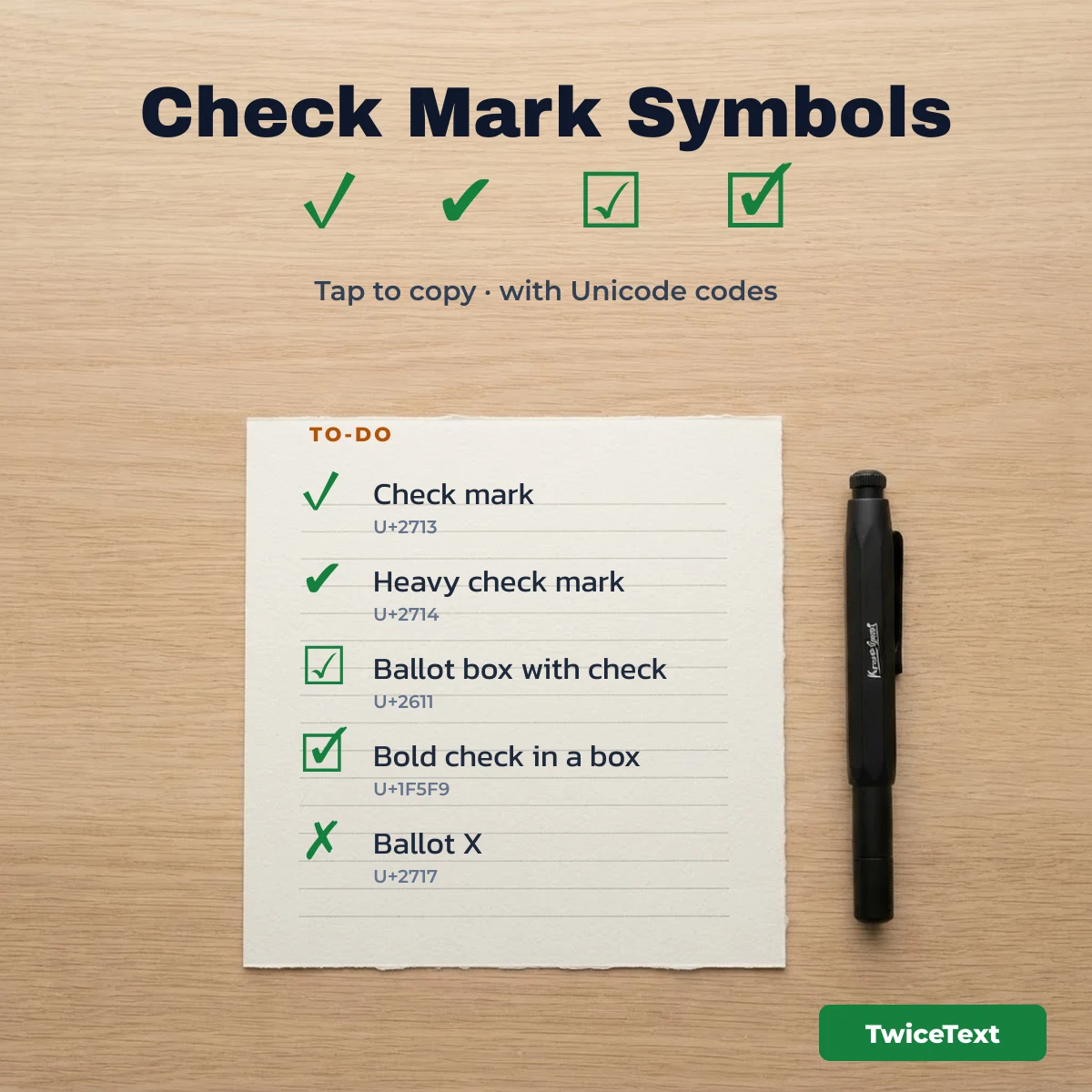
Tick emoji combos and “done” kaomoji
For a caption, a to-do post or a quick “done!” reply, a single tick can feel plain. These combinations mix check marks with emoji, and the kaomoji faces add a happy “all done” mood. Tap any of them to copy it exactly as shown.
Tick combos
Happy “done” kaomoji
Check mark Unicode codes, names and HTML entities
Each check mark has its own Unicode code point, official name and HTML code, so you can type it in a web page or look it up in any character map. The table lists the tick and checkbox symbols people use most.
| Symbol | Unicode | Official name | HTML |
|---|---|---|---|
| U+2713 | CHECK MARK | ✓ · ✓ |
|
| U+2714 | HEAVY CHECK MARK | ✔ |
|
| U+2714 U+FE0F | HEAVY CHECK MARK + VARIATION SELECTOR-16 | ✔️ |
|
| U+2705 | WHITE HEAVY CHECK MARK | ✅ |
|
| U+1F5F8 | LIGHT CHECK MARK | 🗸 |
|
| U+1FBB1 | INVERSE CHECK MARK | 🮱 |
|
| U+10102 | AEGEAN CHECK MARK | 𐄂 |
|
| U+237B | NOT CHECK MARK | ⍻ |
|
| U+2610 | BALLOT BOX | ☐ |
|
| U+2611 | BALLOT BOX WITH CHECK | ☑ |
|
| U+2611 U+FE0F | BALLOT BOX WITH CHECK + VARIATION SELECTOR-16 | ☑️ |
|
| U+2612 | BALLOT BOX WITH X | ☒ |
|
| U+1F5F9 | BALLOT BOX WITH BOLD CHECK | 🗹 |
|
| U+1F5F7 | BALLOT BOX WITH BOLD SCRIPT X | 🗷 |
|
| U+2717 | BALLOT X | ✗ · ✗ |
|
| U+2718 | HEAVY BALLOT X | ✘ |
|
| U+274C | CROSS MARK | ❌ |
|
| U+274E | NEGATIVE SQUARED CROSS MARK | ❎ |
|
| U+2715 | MULTIPLICATION X | ✕ |
|
| U+2716 | HEAVY MULTIPLICATION X | ✖ |
✔️ and ☑️ are the same characters as ✔ and ☑ followed by U+FE0F VARIATION SELECTOR-16, which asks the phone to draw the colorful emoji version. Without it, most devices show the plain black symbol.
Check mark look-alikes that are not check marks
Several characters look like a tick but mean something else, and using them can break search or confuse screen readers. The most common mistake is √, which is the square root sign (U+221A), not a check mark.
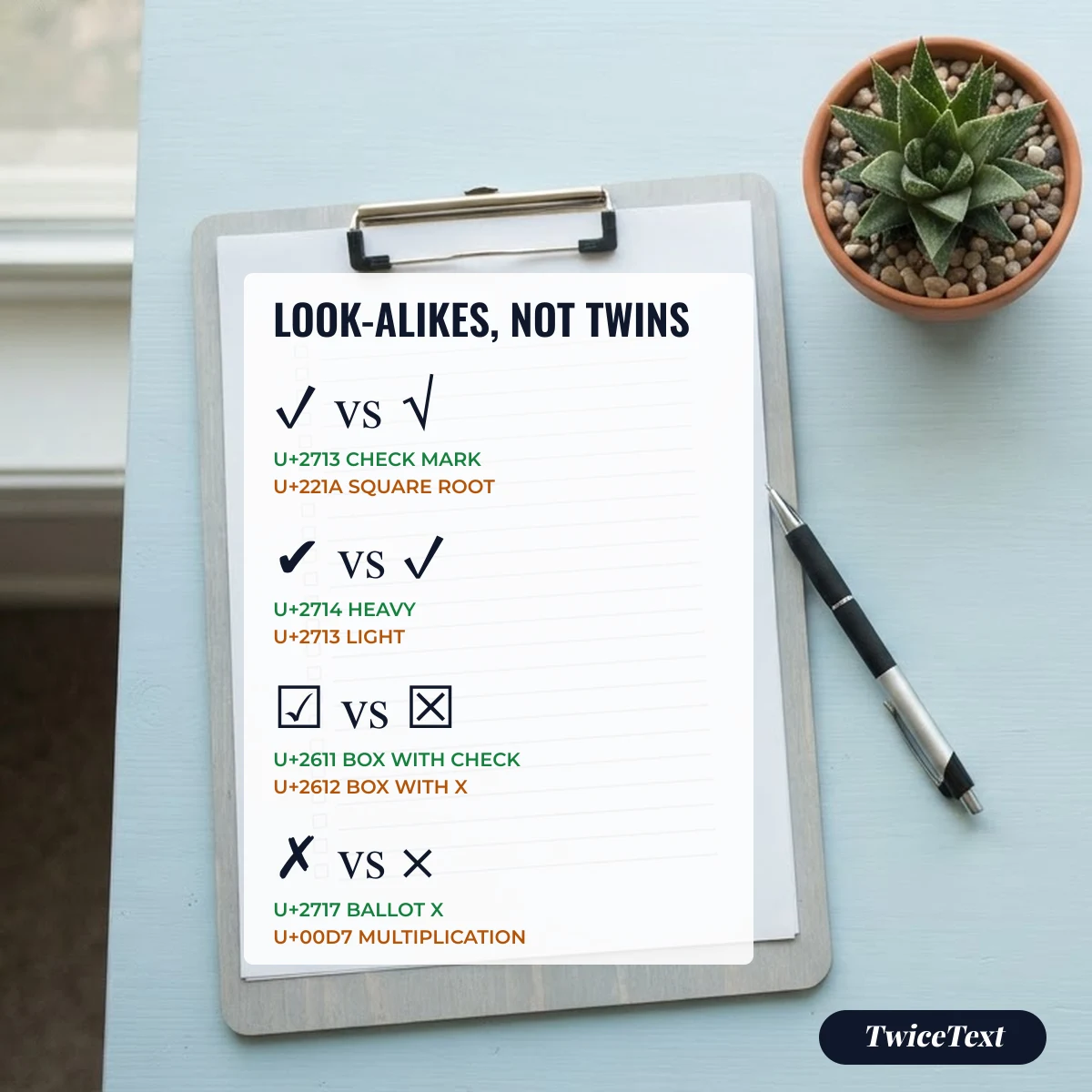
- √ U+221A SQUARE ROOT: a math sign. On old Windows code page 437, Alt + 251 types this character, which is why many lists call it a “check mark alt code”.
- ⎷ U+23B7 RADICAL SYMBOL BOTTOM: part of a large square root.
- ⓥ and Ⓥ: the letter v in a circle, not a tick.
- × U+00D7 MULTIPLICATION SIGN: a math sign; for a “wrong” mark use ✗ U+2717 or ❌ U+274C.
- ⍻ U+237B NOT CHECK MARK: a real Unicode character that means the opposite of a tick.
How to type a check mark on Windows, Mac, iPhone, Excel and HTML
You can type ✓ without copying it: in Microsoft Word on Windows, type 2713 and press Alt + X; on a Mac, press Control + Command + Space and search “check”; on a phone, search “check” in the emoji keyboard.
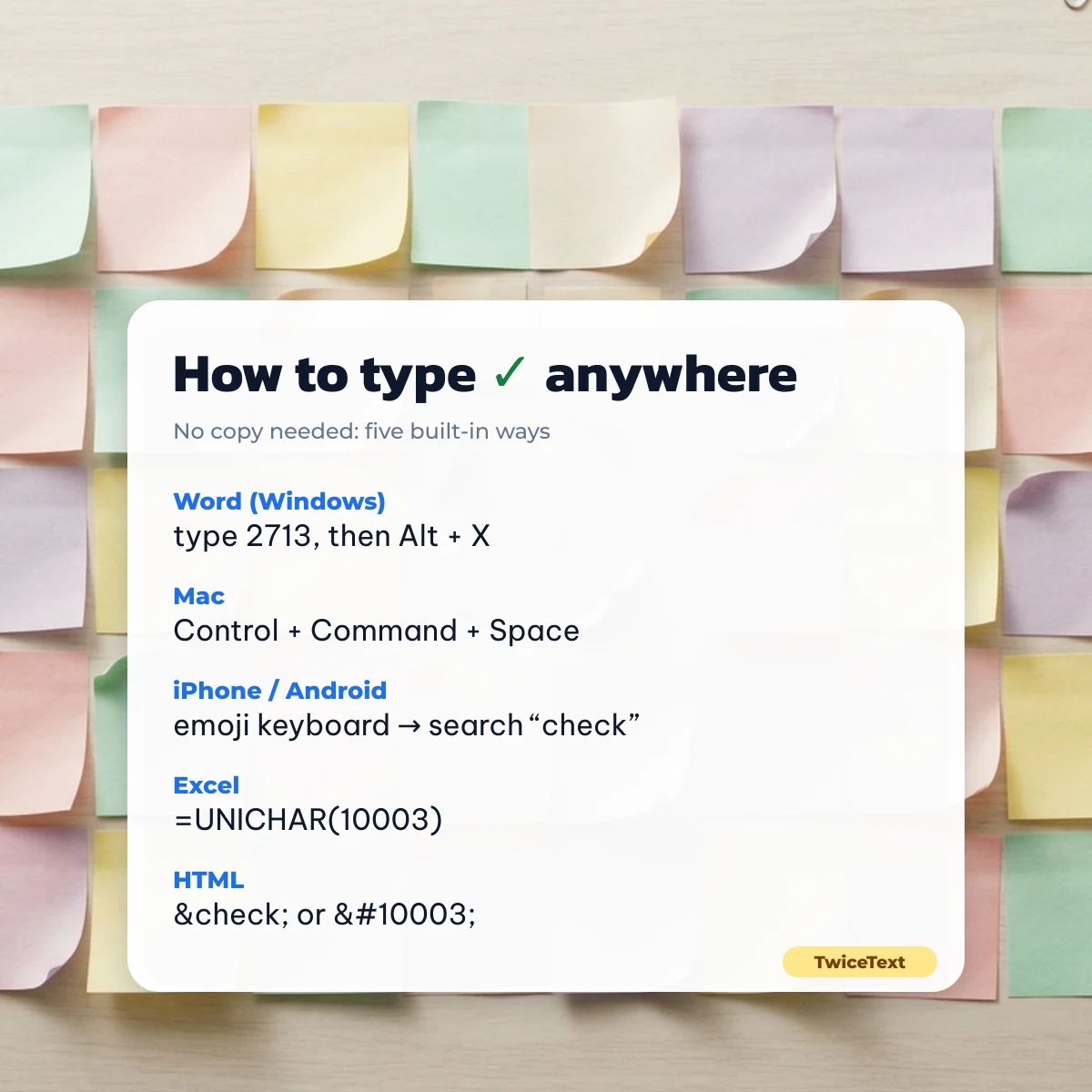
| Where | How to get the check mark | Result |
|---|---|---|
| Microsoft Word (Windows) | Type 2713, then press Alt + X |
✓ |
| Word or Excel, Symbol dialog | Insert → Symbol → font Wingdings → character code 252 (or 254 for a ticked box), as described by Microsoft Support | ✓ / ☑ in Wingdings |
| Excel formula | =UNICHAR(10003) (10003 is 2713 in decimal) |
✓ |
| Mac | Control + Command + Space opens the Character Viewer; search “check” | ✓ ✔ ✅ ☑ |
| iPhone and Android | Open the emoji keyboard and search “check” | ✅ ✔️ ☑️ |
| HTML | ✓, ✓ or ✓ |
✓ |
The Wingdings route only looks like a tick while the font stays Wingdings. If you copy that character into a chat or change the font, it turns into ü or þ. The Unicode ✓ from this page stays a tick everywhere.
The same rule applies to the words next to the tick. Bold or cursive letters copied from Word lose their style in a chat, while Unicode letters such as ✓ 𝐃𝐨𝐧𝐞 keep it; you can make that label with the fancy text generator — bold, cursive & unicode font and paste the tick in front.
What a check mark means in different countries
In the US, UK and India a check mark means yes, correct or done, but not everywhere. According to the Wikipedia article on the check mark, Swedish and Norwegian schools often use ✓ to mark a wrong answer, Finnish teachers use it for “wrong” too, and in Japan a circle ○ means correct while ✓ or ✗ can mean wrong.
If your message goes to an international group, pair the tick with a word, for example “✓ Done” or “✅ Approved”, so nobody reads it the other way round.
Need a long row of ticks for a checklist or a celebration? Use the repeater at the top of this page, or open the TwiceText text repeater, paste ✅ and choose how many copies you want.
Check mark symbol FAQ
How do I copy and paste a check mark?
Tap any check mark on this page and it is copied to your clipboard. Then long-press (phone) or press Ctrl + V / Command + V (computer) where you want it.
What is the Unicode for a check mark?
The standard check mark ✓ is U+2713 CHECK MARK. The heavy check mark ✔ is U+2714, the ballot box with check ☑ is U+2611 and the green emoji ✅ is U+2705 WHITE HEAVY CHECK MARK.
Is Alt + 251 a check mark?
No. On Windows, Alt + 251 types √, the square root sign (U+221A) from the old code page 437. It looks similar but it is a math symbol.
Why does my check mark show as a box?
The device that shows it has no font for that character. Common symbols such as ✓ and ✔ display almost everywhere; newer ones such as 🮱 or 🗸 may not.