On this page
Copy like comment share text
The fastest way to add like comment share text to a post is to copy a ready-made line below and paste it at the end of your caption. Tap any style to copy it; the generator above makes more versions of any wording you type.
Icon rows (♡ 🗨️ ⎙ ⌲)
These rows copy the look of the action buttons under a post. The wide gaps are the Hangul filler character ㅤ (U+3164), which many apps show as a blank space but do not trim away.
Bold and fancy font styles
Cute, aesthetic and heart styles
Loud, bracket and kaomoji styles
Like Share Comment, Follow and Subscribe versions
Some creators put Share before Comment, or add Follow or Subscribe at the end. Pick the order that matches what you really want people to do first.
Emoji and symbols for like, comment and share
If you want to build your own line, use a heart or thumbs-up for like, a speech bubble or pencil for comment and an arrow for share. The symbols below are grouped by the action they suggest.
Like: hearts and thumbs
Comment: bubbles and hearts
Share: arrows
Arrows that point to your link
Bell and notification
Thank-you kaomoji
Ready-to-paste call-to-action lines
A call to action works best when it gives people a reason. “Save this for later” or “Tag a friend who needs this” tells the reader why to act, while a bare “like, comment, share” only asks.
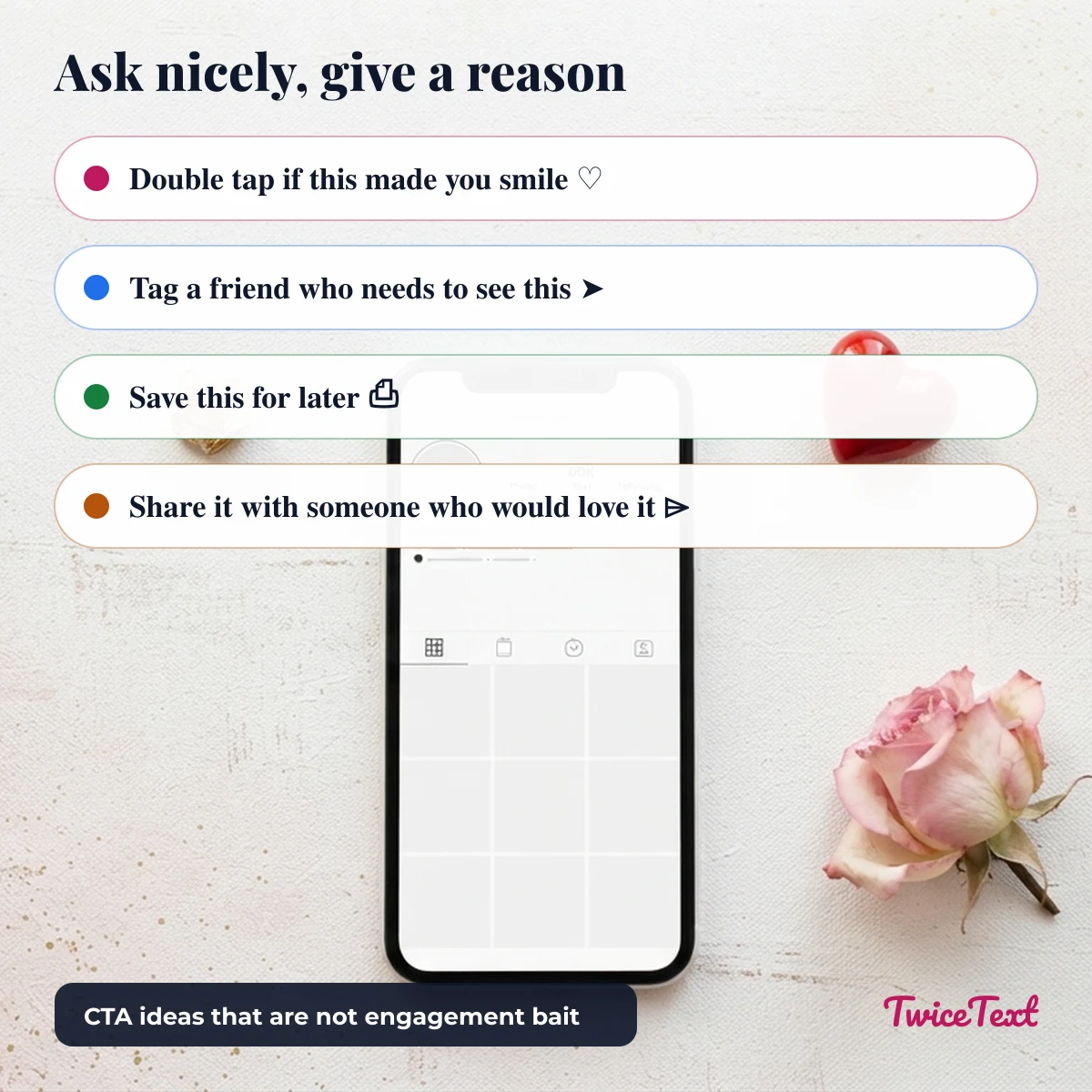
Where to put like comment share text, and what to avoid
Put like comment share text on its own line at the end of a caption, in the first comment, or on the last slide of a carousel or Status. Keep it to one line so it does not push your real message out of the preview.
Avoid engagement bait on Facebook. Facebook says it shows posts less when they “goad” people into likes, shares or comments, with examples such as “LIKE this if you’re an Aries!”, and Pages that do it repeatedly get stricter demotions (Meta Newsroom, “Fighting Engagement Bait on Facebook”). Posts that ask for help, advice or recommendations are not treated as bait.
- Ask for one action, not all three at once, when you can.
- Give a reason: “Share with a friend who is learning to cook” beats “Share!!!”.
- Don’t promise prizes or threaten bad luck for likes or shares.
- Keep the post useful on its own; the call to action is the last line, not the content.
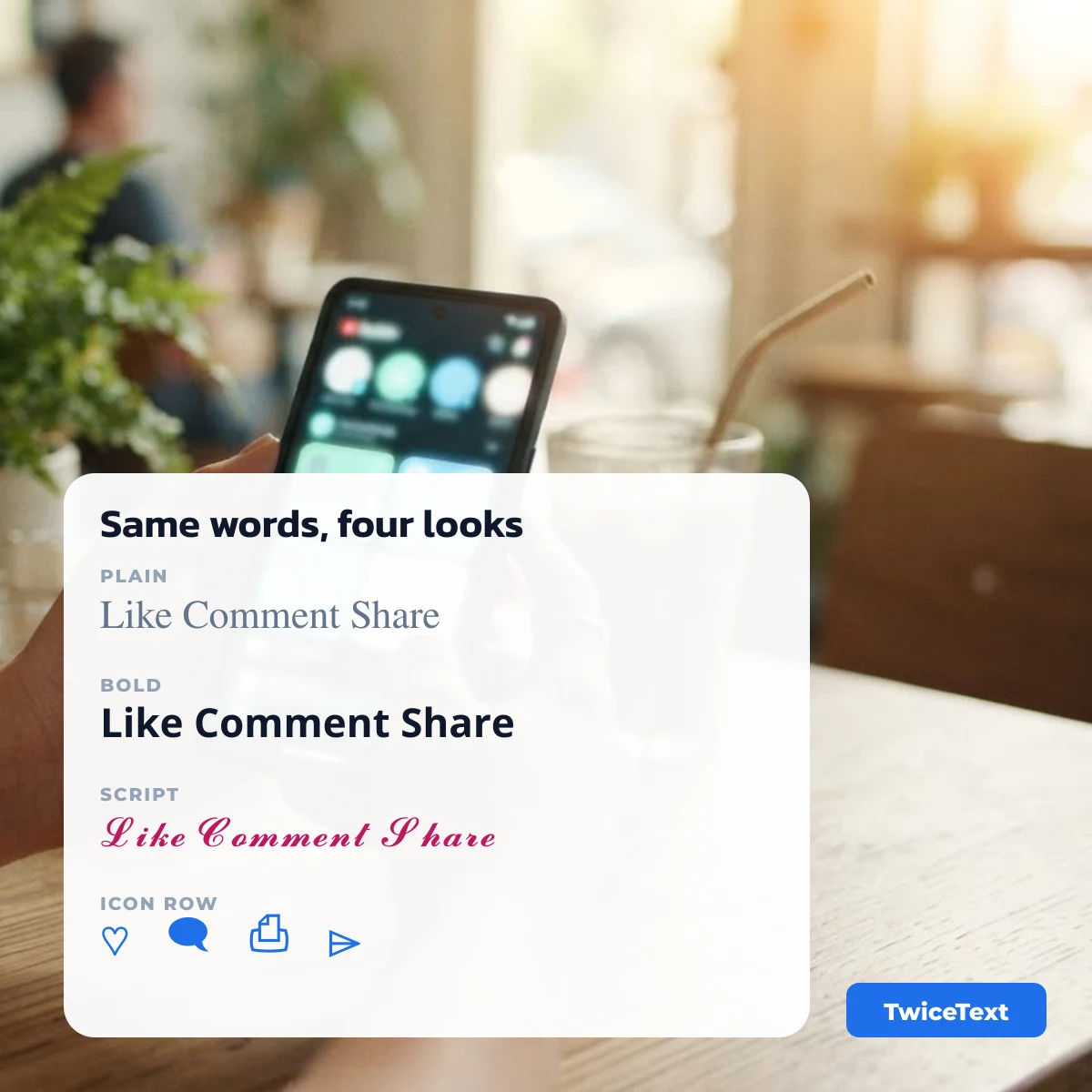
Plain or styled: which one should you use?
Plain text is the safest choice because every phone shows it, screen readers read it correctly and it stays searchable. Bold and script styles stand out more, but they are special Unicode characters, so use them for the short call to action only, never for your whole caption.
| Style | Example | Stands out | Screen readers |
|---|---|---|---|
| Plain | Like Comment Share | Low | Read normally |
| Sans bold | 𝗟𝗶𝗸𝗲 𝗖𝗼𝗺𝗺𝗲𝗻𝘁 𝗦𝗵𝗮𝗿𝗲 | High | May spell letters or read their Unicode names |
| Script | 𝓛𝓲𝓴𝓮 𝓒𝓸𝓶𝓶𝓮𝓷𝓽 𝓢𝓱𝓪𝓻𝓮 | High | May spell letters or read their Unicode names |
| Icon row | ♡ㅤ🗨️ㅤ⌲ | Medium | Reads the emoji names |
For more alphabets and decorations, try our fancy text generator. To repeat a line such as ♡ many times for a divider, use the TwiceText text repeater.
Like comment share text FAQ
What does like comment share mean?
It is a short request at the end of a post asking people to react with a like, leave a comment and share the post with others. It helps a post reach more people when it is used honestly.
How do I make like comment share text bold?
Type “Like Comment Share” in the box above and tap Style it, then copy a bold style such as 𝗟𝗶𝗸𝗲 𝗖𝗼𝗺𝗺𝗲𝗻𝘁 𝗦𝗵𝗮𝗿𝗲. The bold letters are Unicode characters, so they stay bold in captions and bios that have no formatting buttons.
Is it okay to use like comment share on Facebook?
You can add a call to action, but Facebook shows posts less when they goad people into liking, sharing or commenting. Ask for one action and give a real reason.
Why are there big gaps in ♡ㅤ🗨️ㅤ⌲?
The gaps are the Hangul filler character ㅤ (U+3164). It looks like a space but is a separate character, so apps do not collapse it the way they collapse ordinary spaces.